
WordBack
by ApexApps Studio
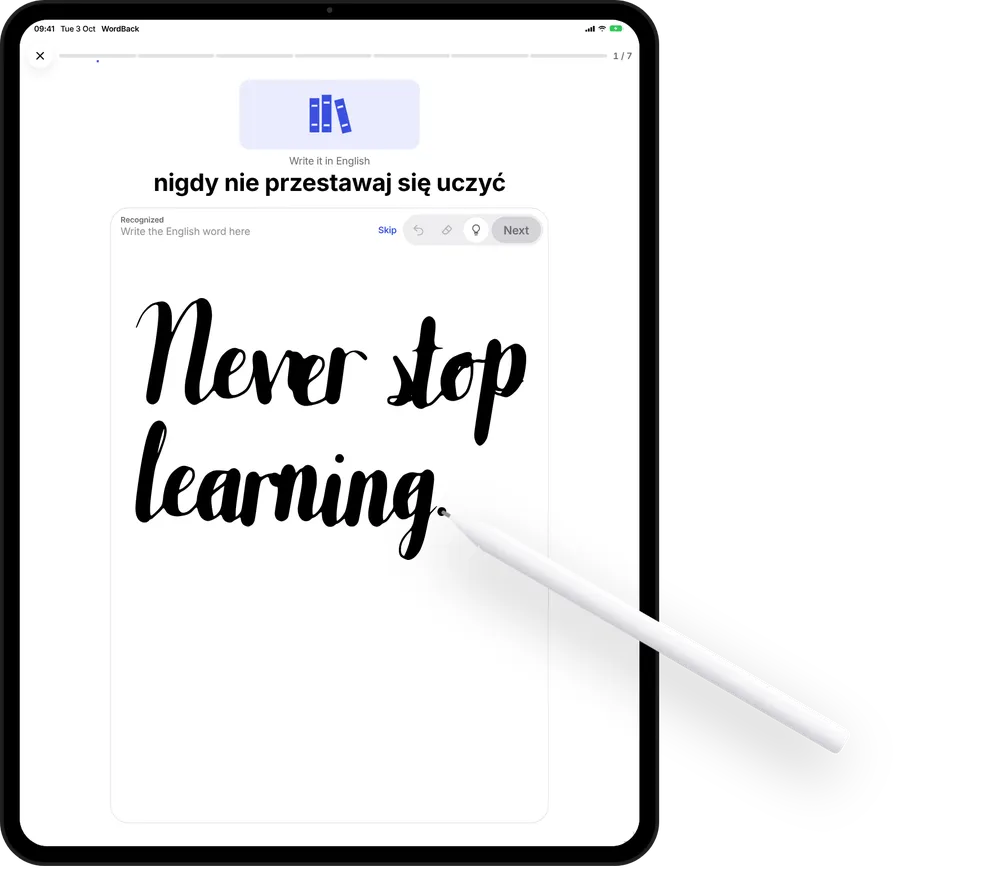
Never stop
learning.
Don’t just read words. Write them.
 Coming soon to the App Store
iPhone · iPad · iOS 18 or later
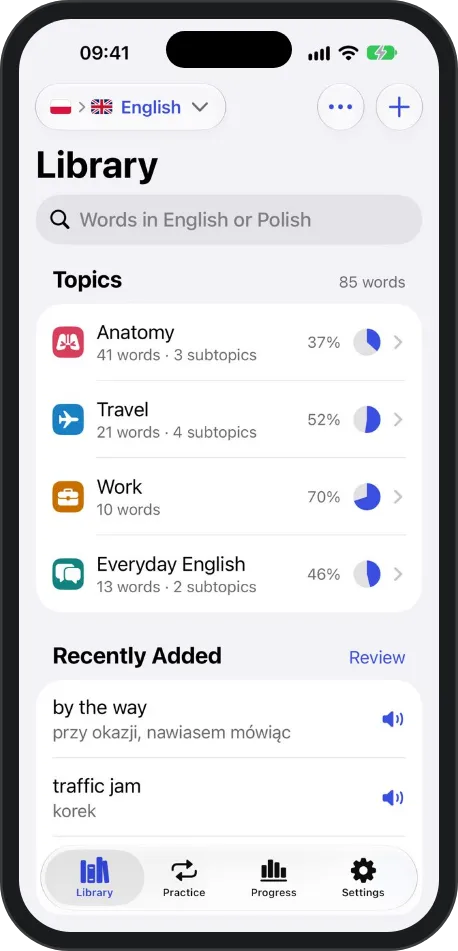
A vocabulary trainer for the words you choose. Build your own library of topics, practice six ways — and the words you miss come back for another try.
// screenshots
Your library 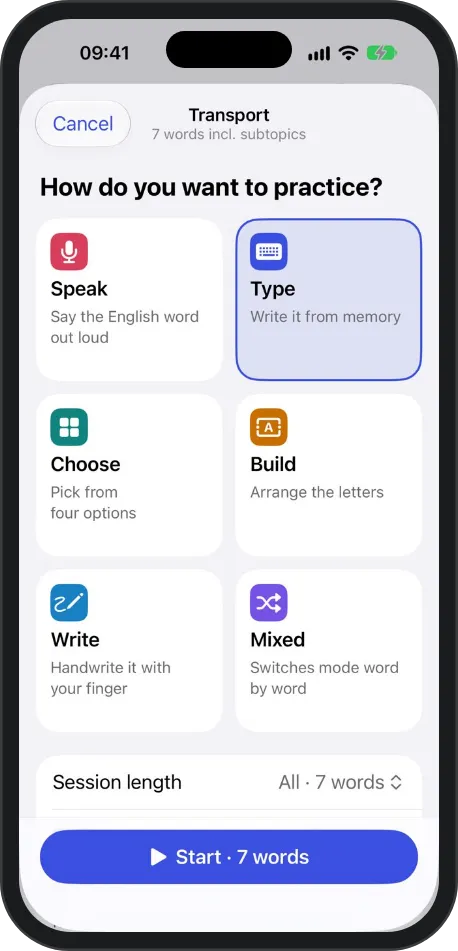
Six ways to practice 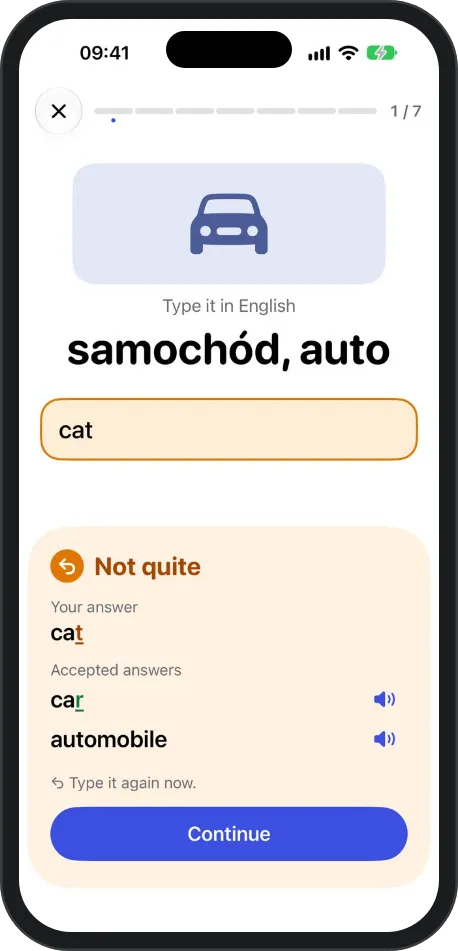
Missed? Try it again 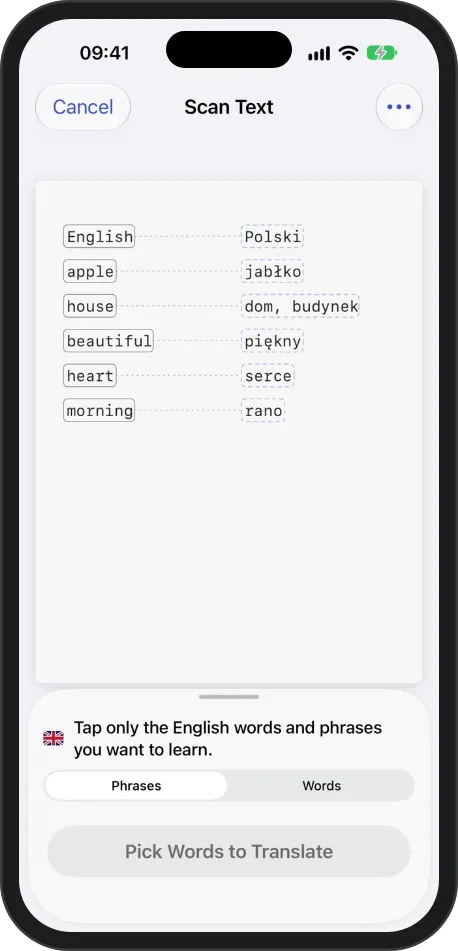
Scan Text 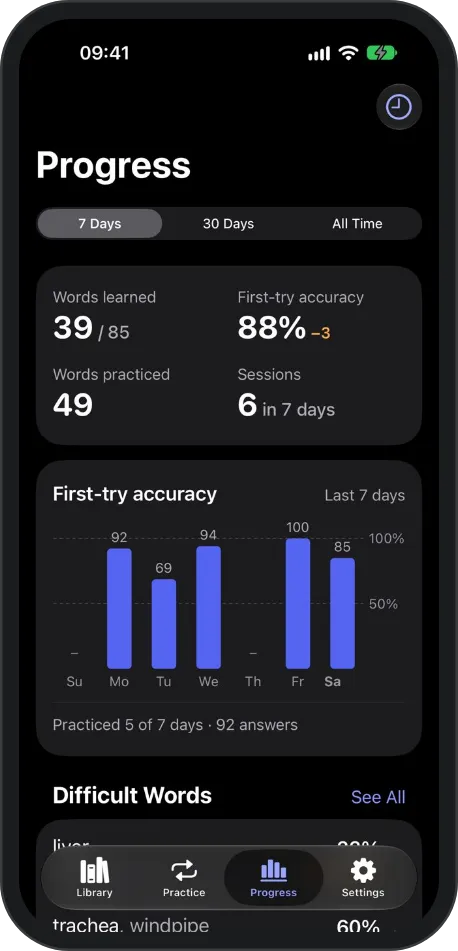
Progress
// handwriting
Learn by
writing.
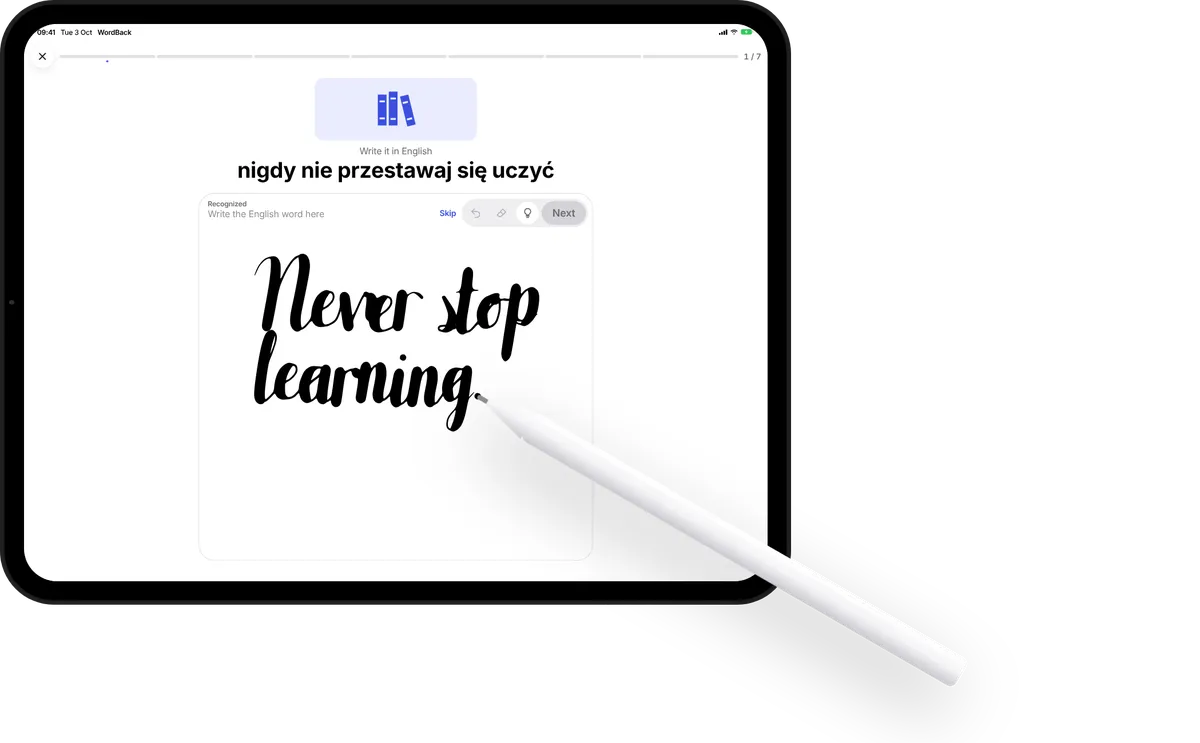
In Write mode you recall the word and write it out by hand — with Apple Pencil on iPad, with your finger on iPhone.
- Nothing is checked until you tap Next.
- Write a missed word again right away, or meet it again at the end of the session.
- Mix Write with Speak, Type, Choose and Build.
Everything in WordBack
Your own library
Topics and subtopics, words with pictures, notes and more than one accepted answer.
Six practice modes
Speak, Type, Choose, Build, Write — or Mixed, which switches word by word.
Mistakes come back
Answer a missed word again right away or at the end of the session — or keep it coming back until you get it right.
Scan Text
Photograph a page, tap the words you want, review their translations and add them.
Progress you can read
First-try accuracy, words learned, sessions and the words you miss most.
Private by design
No account and no ads. Speak practice never records audio. Sync uses your own iCloud.
// platforms
- iPhone
- iPad